
Your profile and password
Change your name, title, sign-in email and password, or reset a password you've forgotten.
3 sections · 5 screenshots
Your name, title and email
- Open Settings in the sidebar and choose Profile.
- Change your Full name or Title. Documents you send are signed with this name, and the title is printed under your signature.
- To sign in with a different address, change Email.
- Choose Save profile.
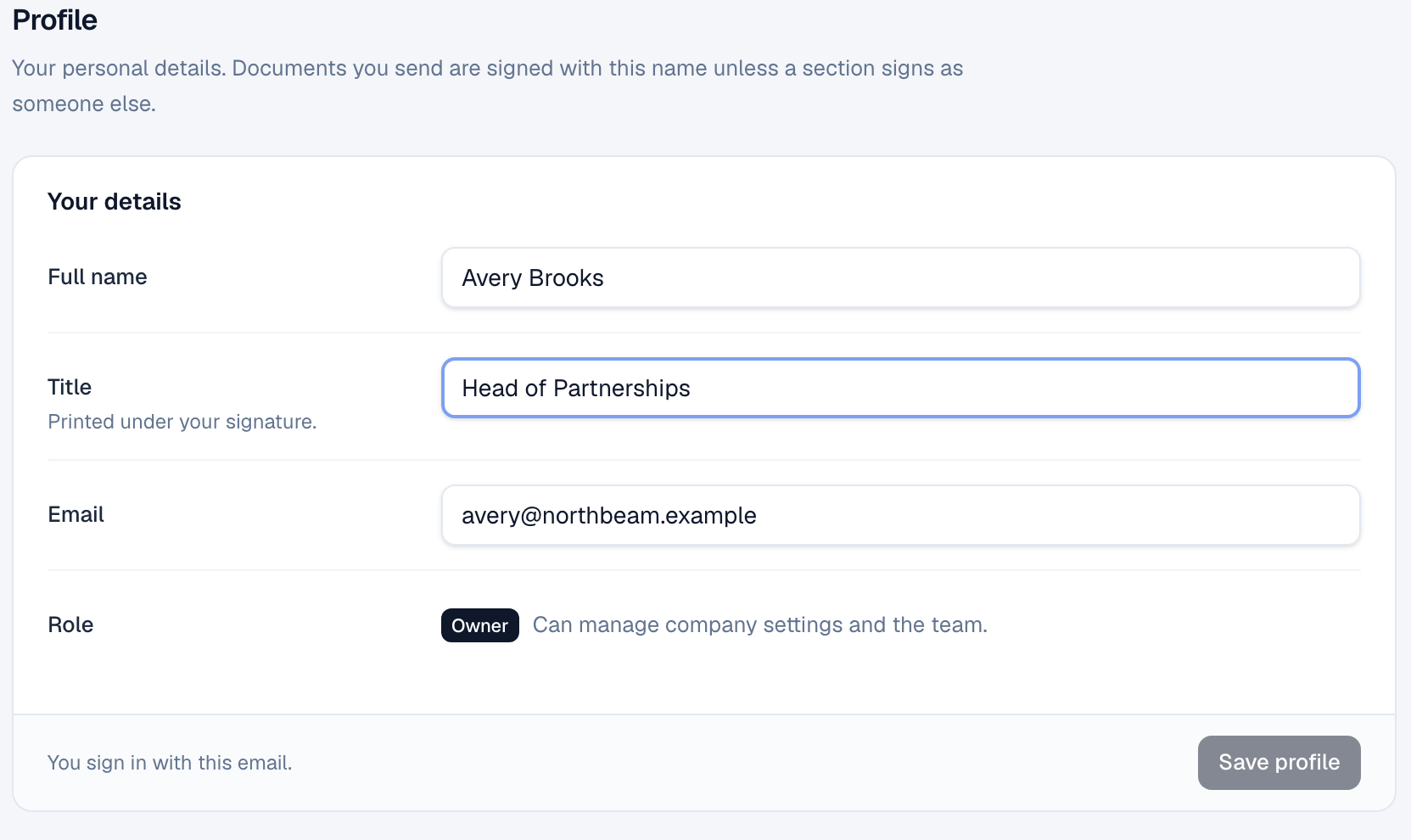
When you change your email, the old address gets an email about it, so nobody can quietly move your account. Your role is shown here too; an owner or admin changes it on the Team tab.
Change your password
- In Settings → Profile, go to Password.
- Enter your Current password and a New password of at least 8 characters.
- Choose Update password.
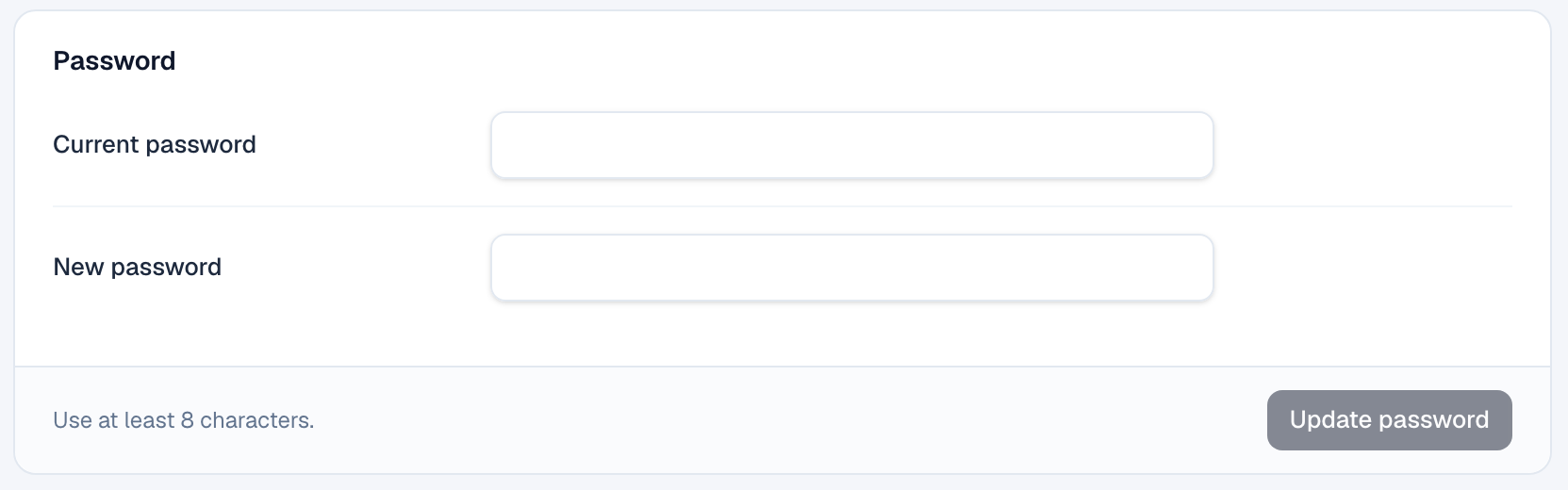
You stay signed in on this browser, and every other browser and device is signed out. You get an email confirming the change. Common passwords, repeated characters and your own email address aren't accepted.
If you joined with single sign-on, Google, Microsoft or Salesforce, you have no password yet. The panel shows Set password instead, with no current password to enter. After that you can also sign in with your email.
Reset a forgotten password
- On the sign-in page, choose Forgot password? under the password box.
- Enter your email and choose Send reset link.
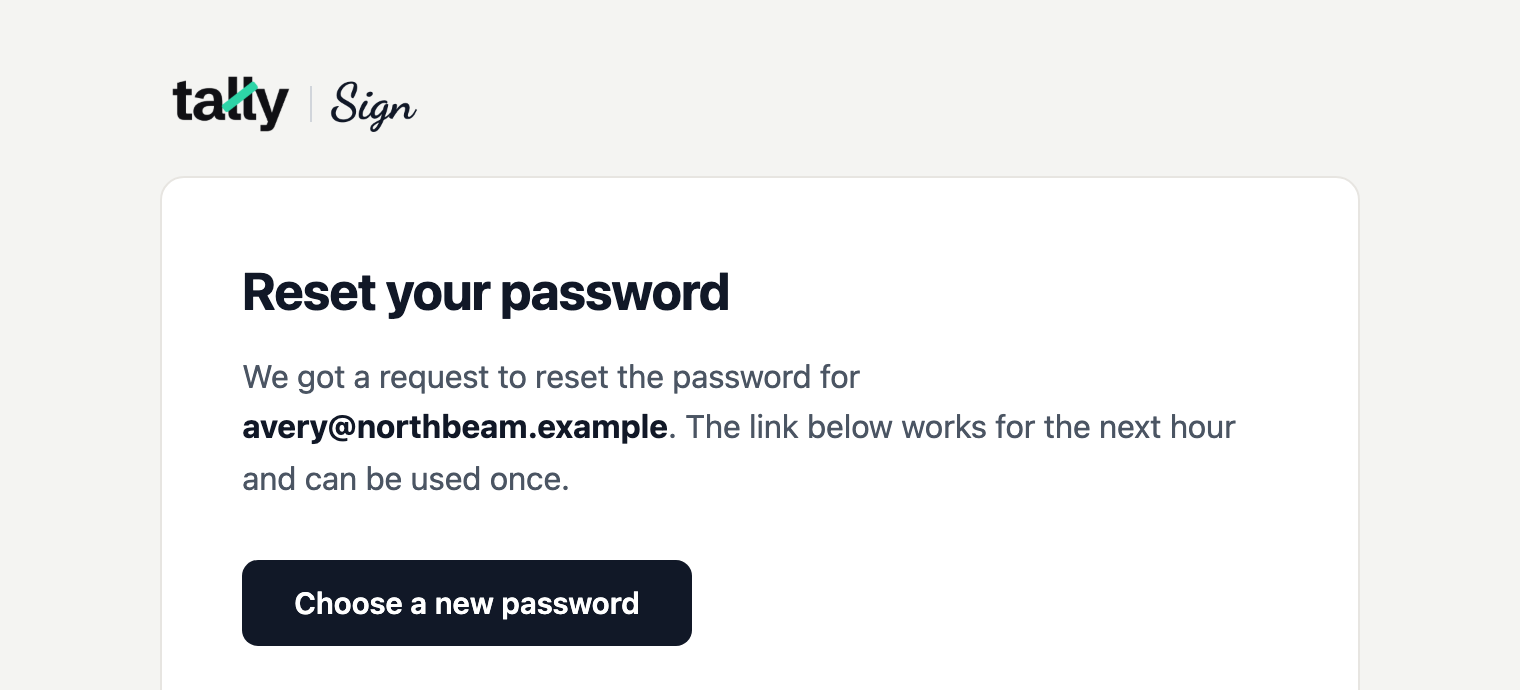
- Open the email Reset your Tally Sign password and choose Choose a new password. The link works for an hour, and only once.
- Type the new password twice and choose Save and sign in.

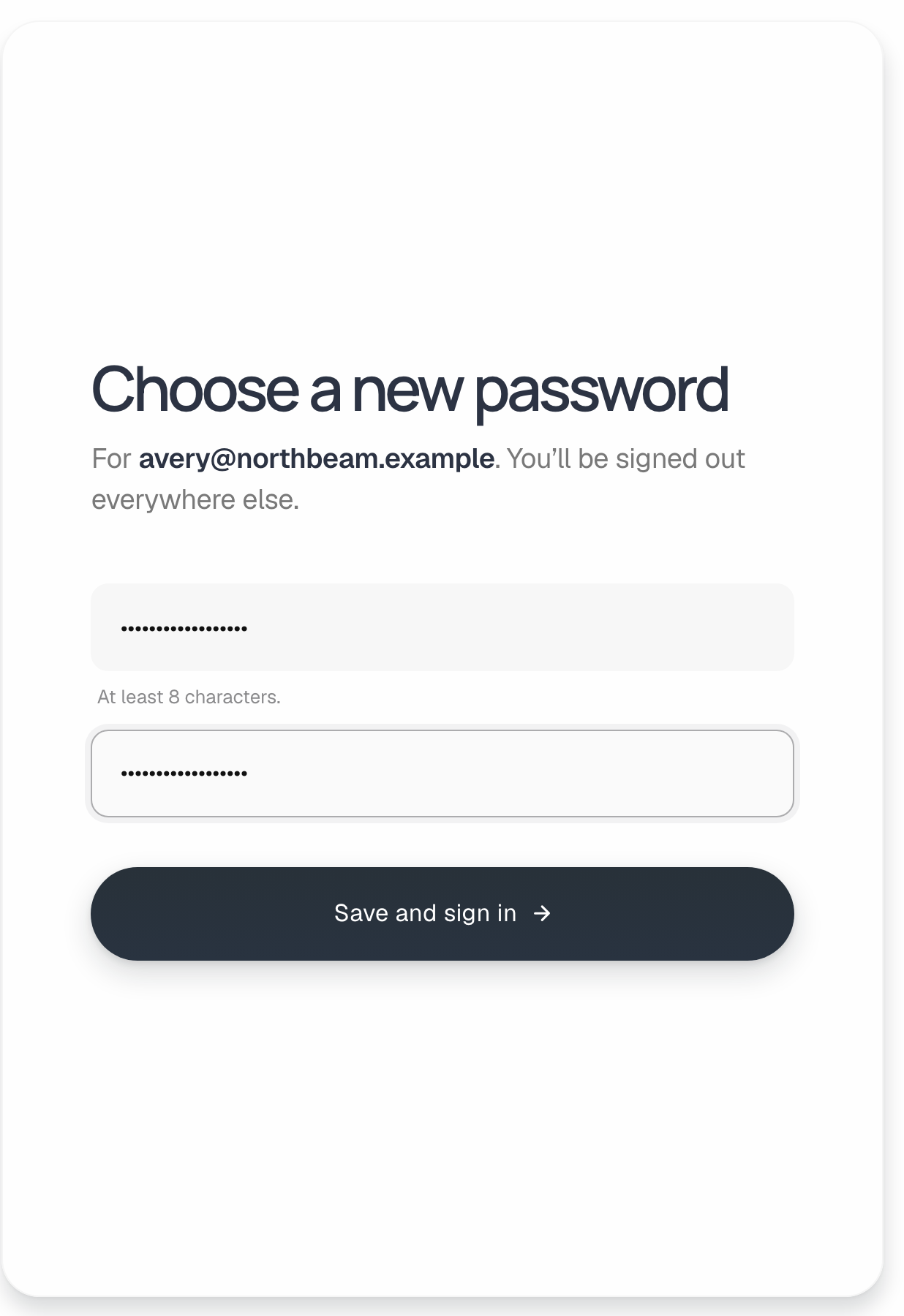
- The page says the same thing whether or not an account exists for that email. If no email arrives, check spam, and check that you used the address you sign in with.
- You can ask for up to 3 links in 15 minutes. Asking again doesn't stop an earlier link from working, but using one cancels the others.
- An expired or used link shows This link has expired, with Send a new link.
- If your company requires single sign-on, the new password is saved, but you're sent to your company's sign-in page to get in.
On the website: No CRM needed·Pricing