
Work with the assistant by email
Reply to any update email in your own words: ask where a document stands, remind people now or later, message the customer, void it, or start a new draft from a file.
5 sections · 6 screenshots
When something happens to a document you sent, Tally Sign emails you: someone opened it, signed, declined or asked someone else to sign. You don't have to open the app to act on it. Reply to the email the way you'd reply to a colleague, and Tally Sign's assistant writes back in the same thread and does what you asked, as you. Keep replying to carry on the conversation.
Reply to an update email
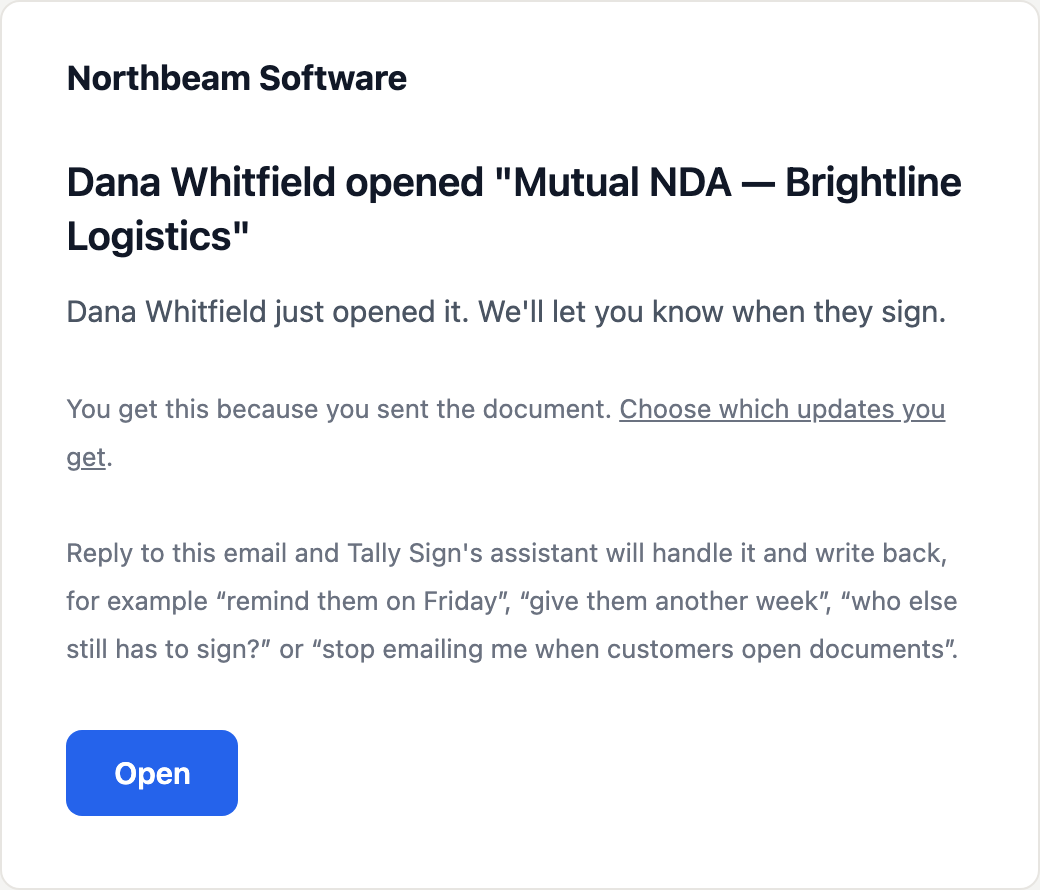
- Open an update email, for example Dana Whitfield opened "Mutual NDA — Brightline Logistics". The last paragraph suggests what you can reply for that update.
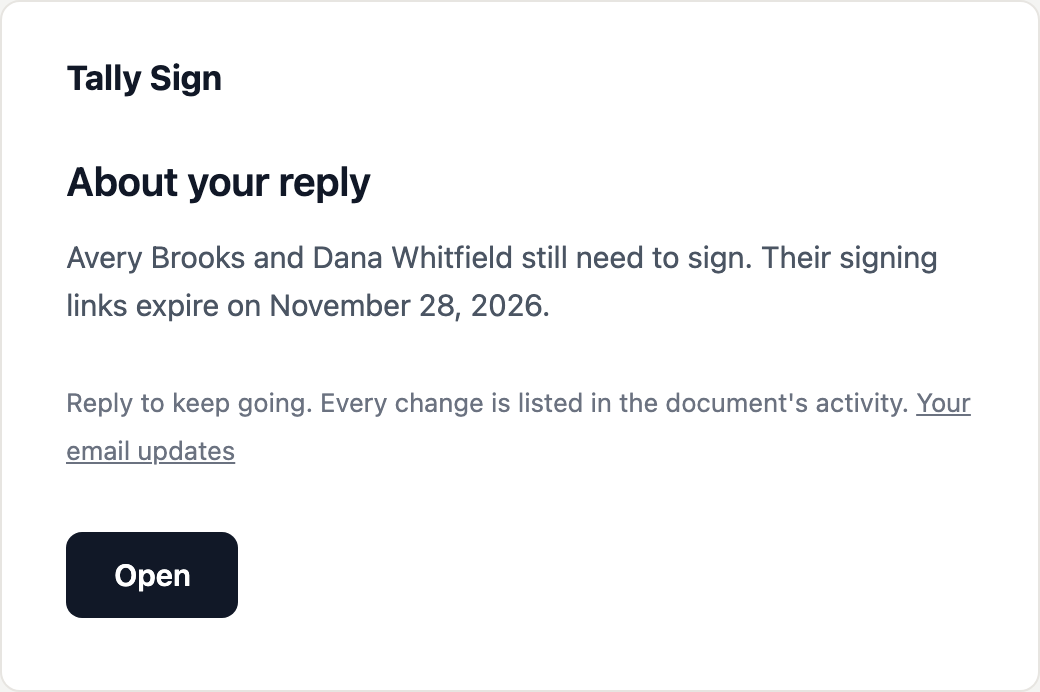
- Choose Reply in your email app and write what you need, for example
Who still needs to sign, and when do the links expire?. - Send it from the address the update came to. Within a minute the assistant answers in the same thread.
What you can ask for
| You write | The assistant |
|---|---|
Who's left? · Why did they decline? · When do the links expire? | Answers from the document: its signers and their status, the dates and the activity |
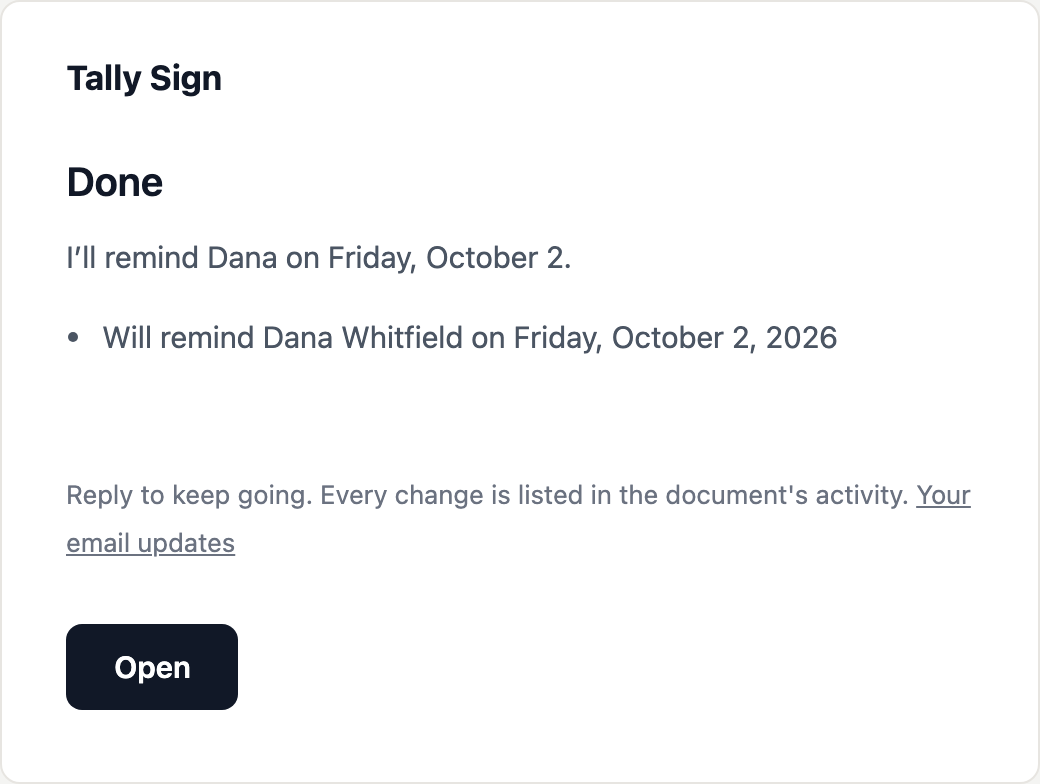
Remind them · Remind Dana on Friday | Emails a reminder to people who haven't signed, now or at 9 AM (UTC) on the day you give |
Give them another week | Gives the signing links more days |
Dana's email is wrong, it's dana.w@brightline.com | Corrects the name or email of someone who hasn't signed and sends them a new link |
Add a note: legal approved the redlines | Adds an internal note for your team on the document |
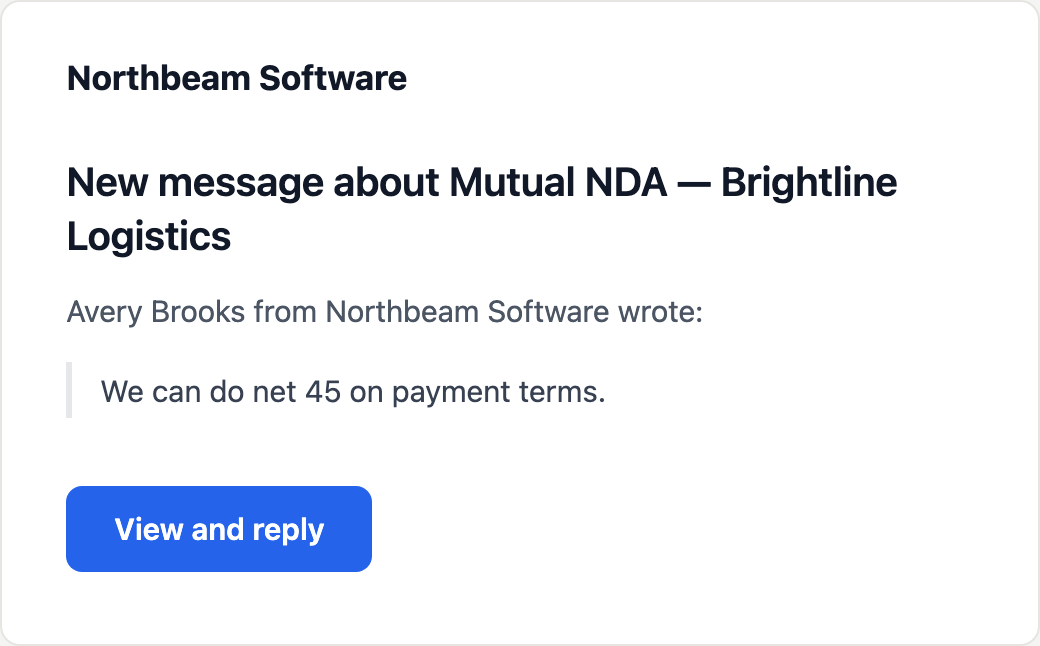
Tell them we can do net 45 | Proposes a message to the customer, sent when you reply YES |
Void it, they went with another vendor | Proposes voiding the document, done when you reply YES |
A PDF or Word file attached, with Make a new one from this | Makes a new draft from the file for you to check and send |
Only email me when it's all signed | Changes which update emails you get |
Messages to the customer and voiding wait for YES
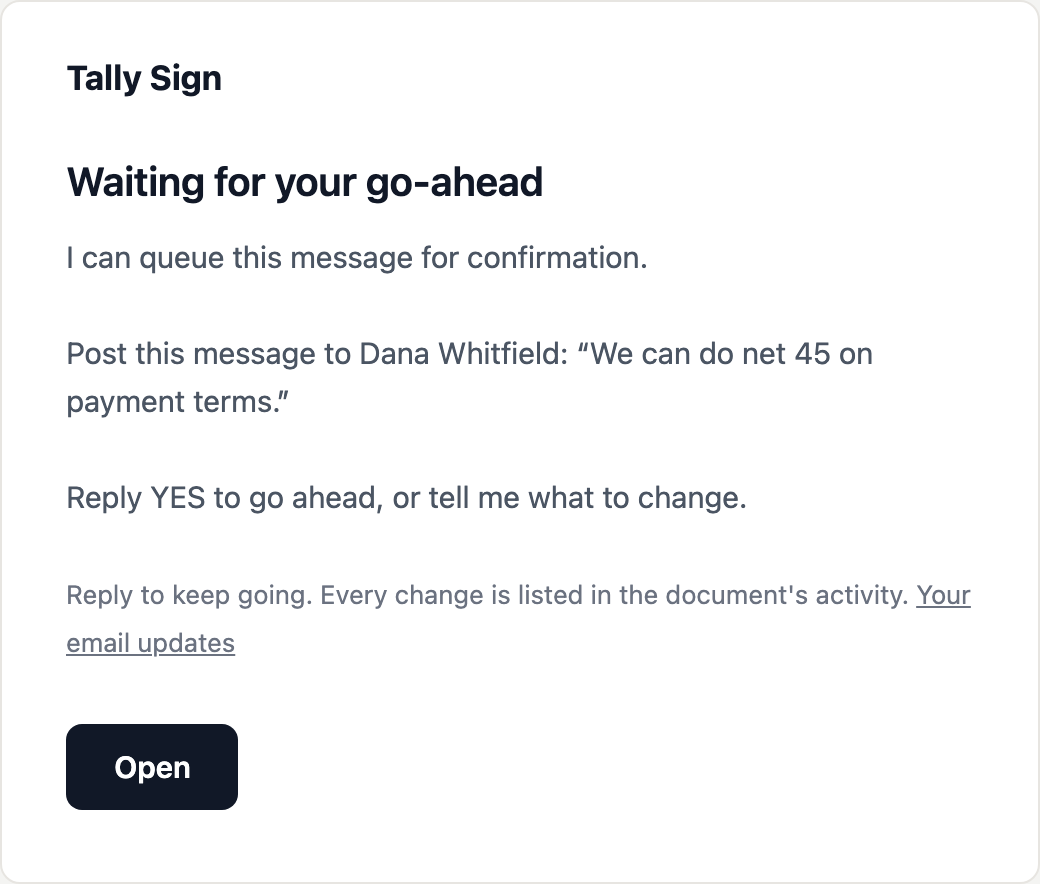
Anything that reaches your customer or can't be undone is proposed first. The assistant shows exactly what it will send or do, and nothing happens until you reply YES.
- Ask for it, for example
Tell Dana we can do net 45 on payment terms. - Read the proposal under Waiting for your go-ahead.
- Reply
YESto go ahead. To change it, say what's different and you get a new proposal. To drop it, replynoordon't.
After YES, the message goes into the document's conversation and the customer gets it by email, from your company, like any reply you'd write in Tally Sign. Their answer comes to you as usual.
Start a new draft from a file
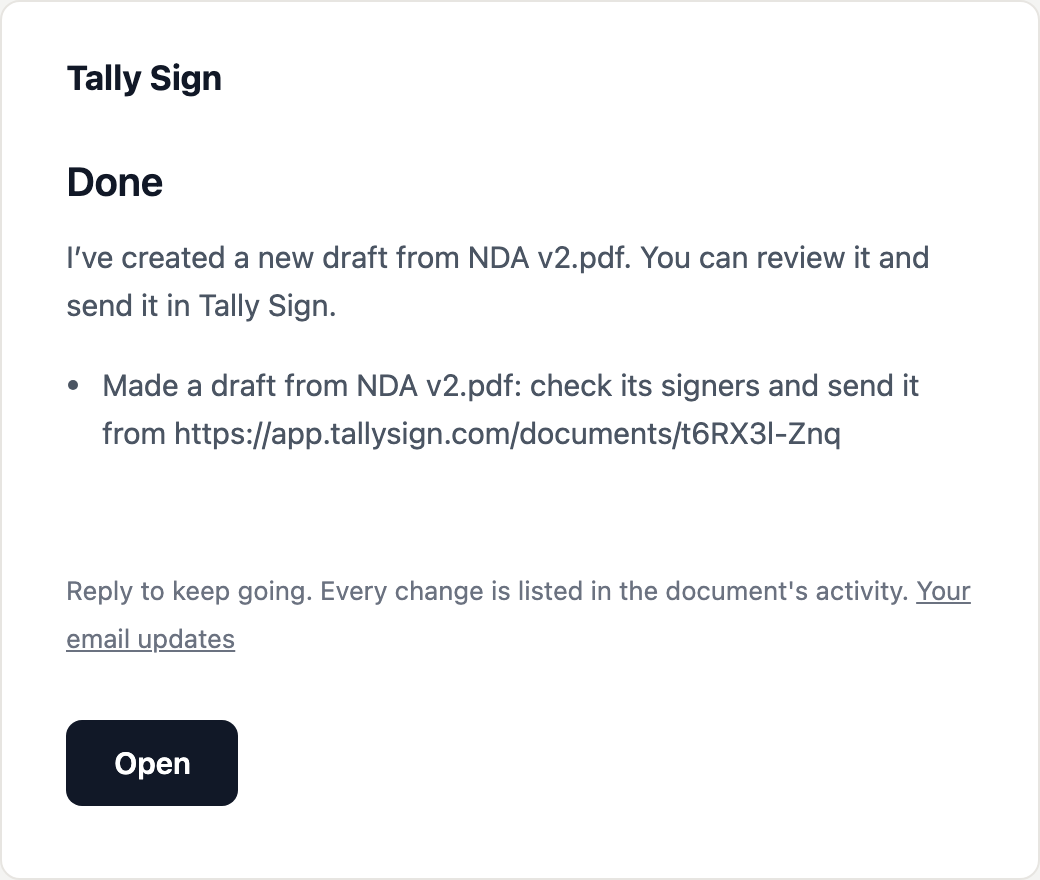
Attach the PDF or Word file you want to send, for example an updated agreement, and reply Make a new one from this. The assistant makes a draft from it the same way as Upload a PDF or Word file in the app, and gives you its link. Open it to check the signers and fields, then send it.
Who it listens to
- Only you: replies count when they come from the email address the update was sent to, and your email provider confirms it's really you (DKIM or DMARC). A reply from anyone else changes nothing.
- It acts as you, with your access. Every change is in the document's Activity, marked by email reply.
- You can reply for 90 days after the last message in a conversation. After that, open the document instead.
- It only uses what's on the document and your settings. It can't see other documents or your billing.
To stop getting some update emails, reply stop emailing me when customers open documents, or turn them off yourself: see Choose which updates you get.
On the website: ChatGPT, Claude and MCP·Pricing