
Connect Zapier
Send documents from your templates when something happens in another app, and act when they're signed. Connect with your Tally Sign sign-in: no API key.
3 sections · 2 screenshots
Tally Sign's Zapier app connects Tally Sign to thousands of other apps without code: send an NDA when a deal reaches a stage in your CRM, put what signers filled in into a spreadsheet, or save the signed PDF to a shared drive. You connect it by signing in to Tally Sign and choosing Allow Zapier, the same way you connect ChatGPT or Claude. Anyone on your team can connect it with their own login.
Connect it
- Open Settings → AI & API and choose Connect Zapier. Zapier opens on Tally Sign's app.
- In Zapier, make a Zap and pick Tally Sign for a trigger (such as Document Completed) or an action (such as Send a Document From a Template).
- Choose Connect a new account. A Tally Sign window opens: sign in the way you usually do (email and password, Sign in with SSO, Salesforce, Google or Microsoft). Two-step sign-in asks for your code here too.
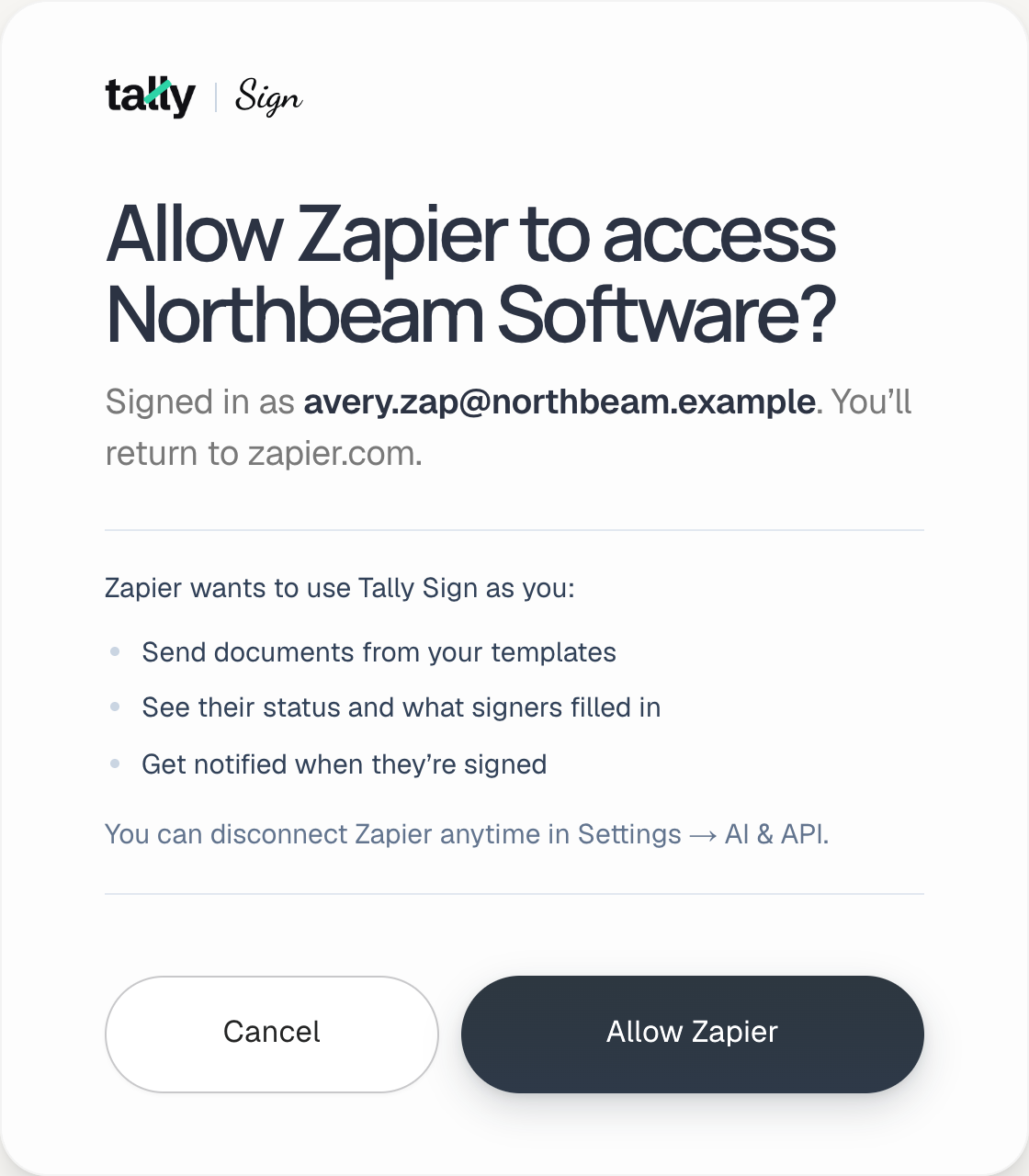
- Check what Zapier asks for and choose Allow Zapier. The window closes and the account appears in Zapier as your company's name and your email.
What it can do
| In Zapier | What happens in Tally Sign |
|---|---|
| Document Completed, Signed, Viewed, Declined, Sent | Triggers the moment it happens, with what signers filled in and, when completed, the signed PDF. |
| New Completed Document | Checks every few minutes for any completed document in your company. |
| Send a Document From a Template, Create a Draft | Fills in a template's signers and variables and sends it, or saves a draft to check first. |
| Send a Reminder, Void a Document, Find Document | The same as in the app, recorded in the document's activity. |
See and disconnect connections
Every Zapier connection is listed under Zapier in Settings → AI & API, with who connected it and when it was last used. Admins see everyone's; members see their own.
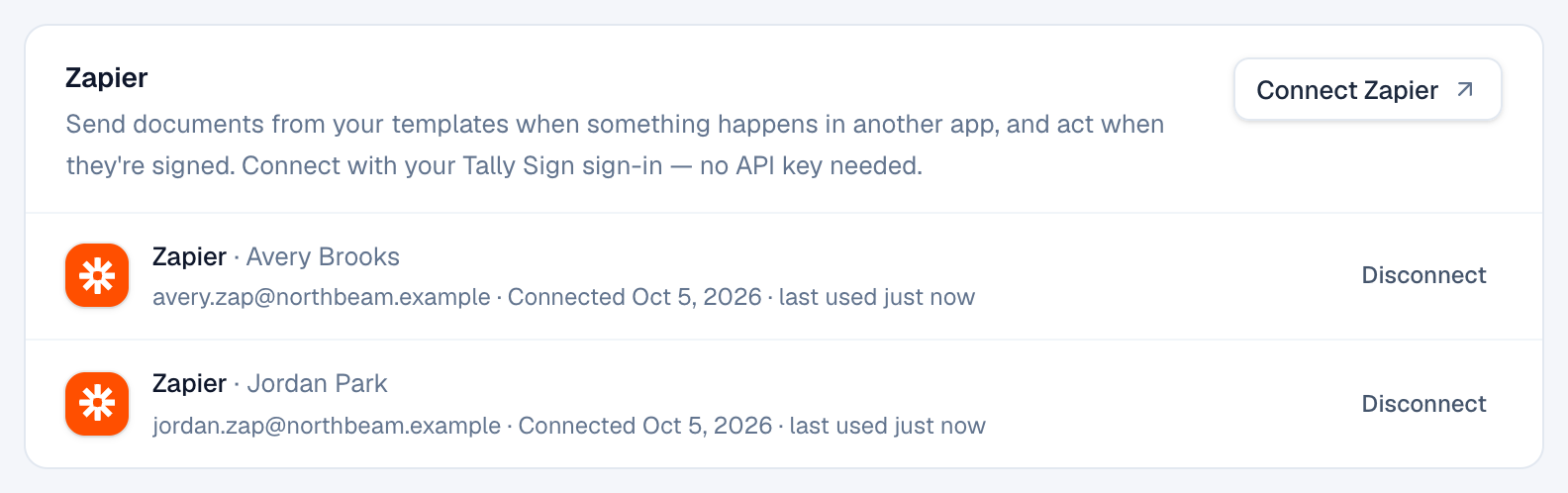
- Disconnect ends one connection at once. Its Zaps stop and their triggers stop sending. Reconnecting the account in Zapier brings them back.
- Disconnect all apps ends every ChatGPT, Claude and Zapier connection in your company at once.
- Removing someone from your team ends their connections too.
On the website: ChatGPT, Claude and MCP·Pricing